Ready to dial it in?
Tune Pro is coming soon to the App Store, one bike free when it lands.
Get early accessTune Pro takes you from “what should my clicks even be?” to a logged, repeatable setup in about five minutes. Four steps: add your bike, get a starting setup, tune and save, then get back to what worked.
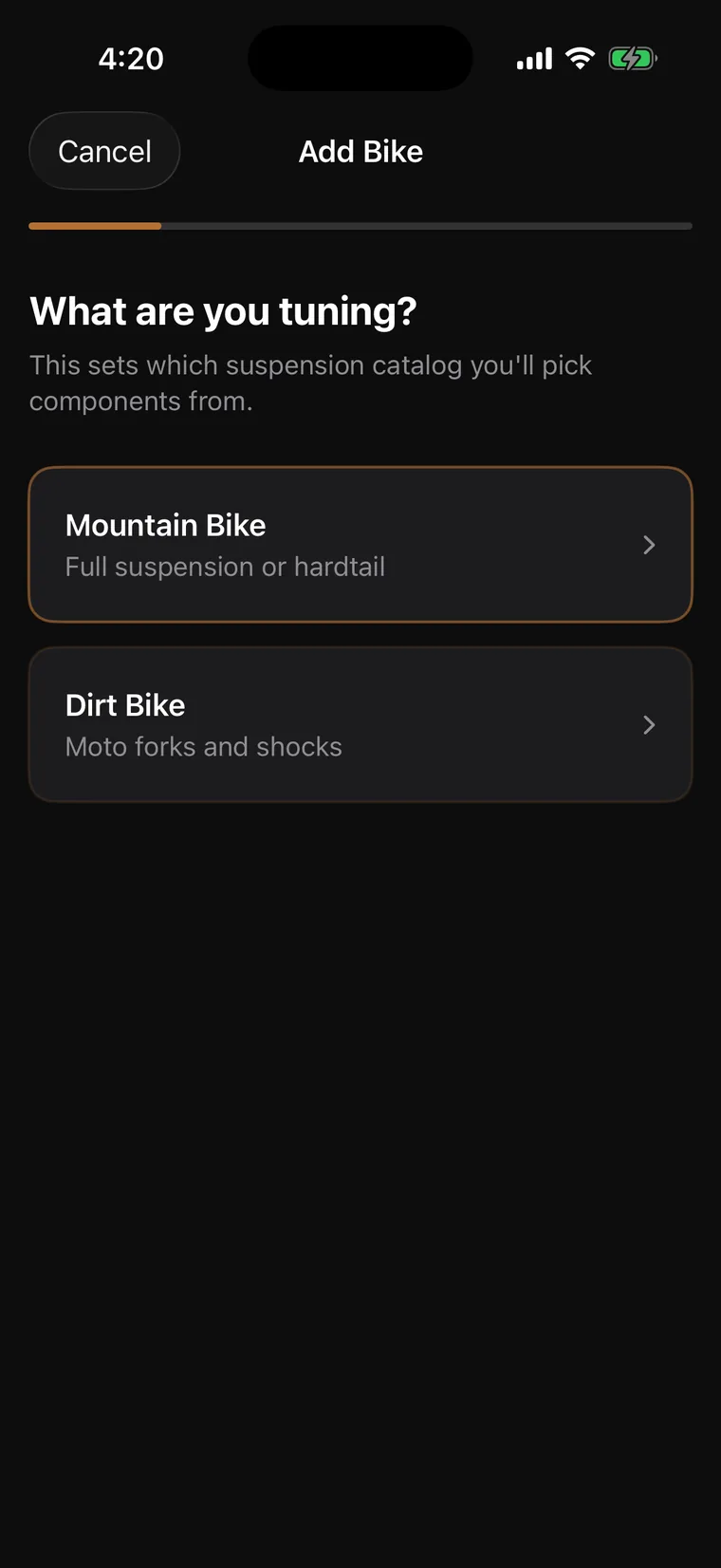
Mountain bike or dirt bike, this sets which suspension catalog you pick components from. Full suspension, hardtail, moto forks and shocks: all covered.
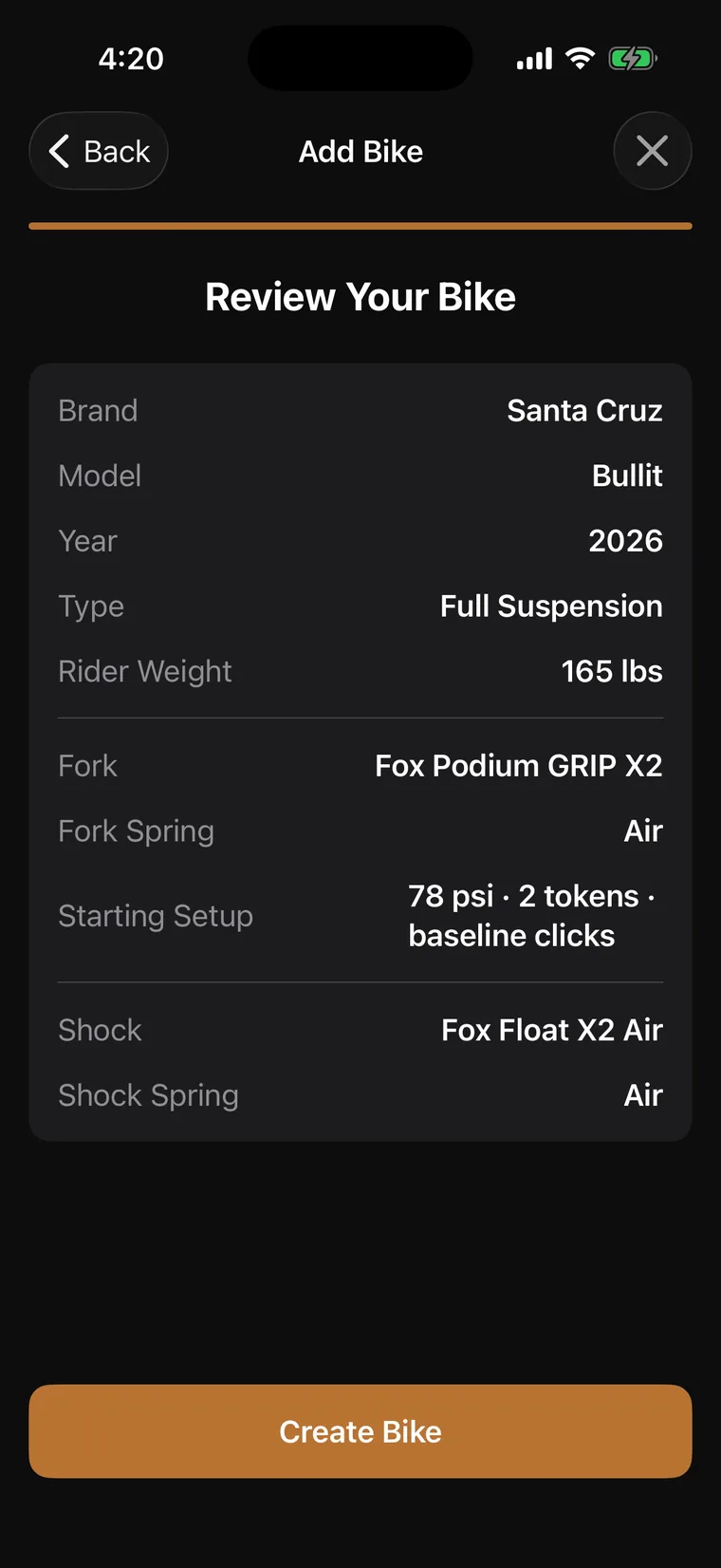
Brand, model, and rider weight. Tune Pro uses your weight to ground the baseline, and pulls the manufacturer’s claimed adjustment ranges for your exact fork and shock.
Compression, rebound, pressure, spacers, logged in seconds with sliders that show how much range you have left. Save Settings and every change is tracked: 87 → 90 PSI (+3).
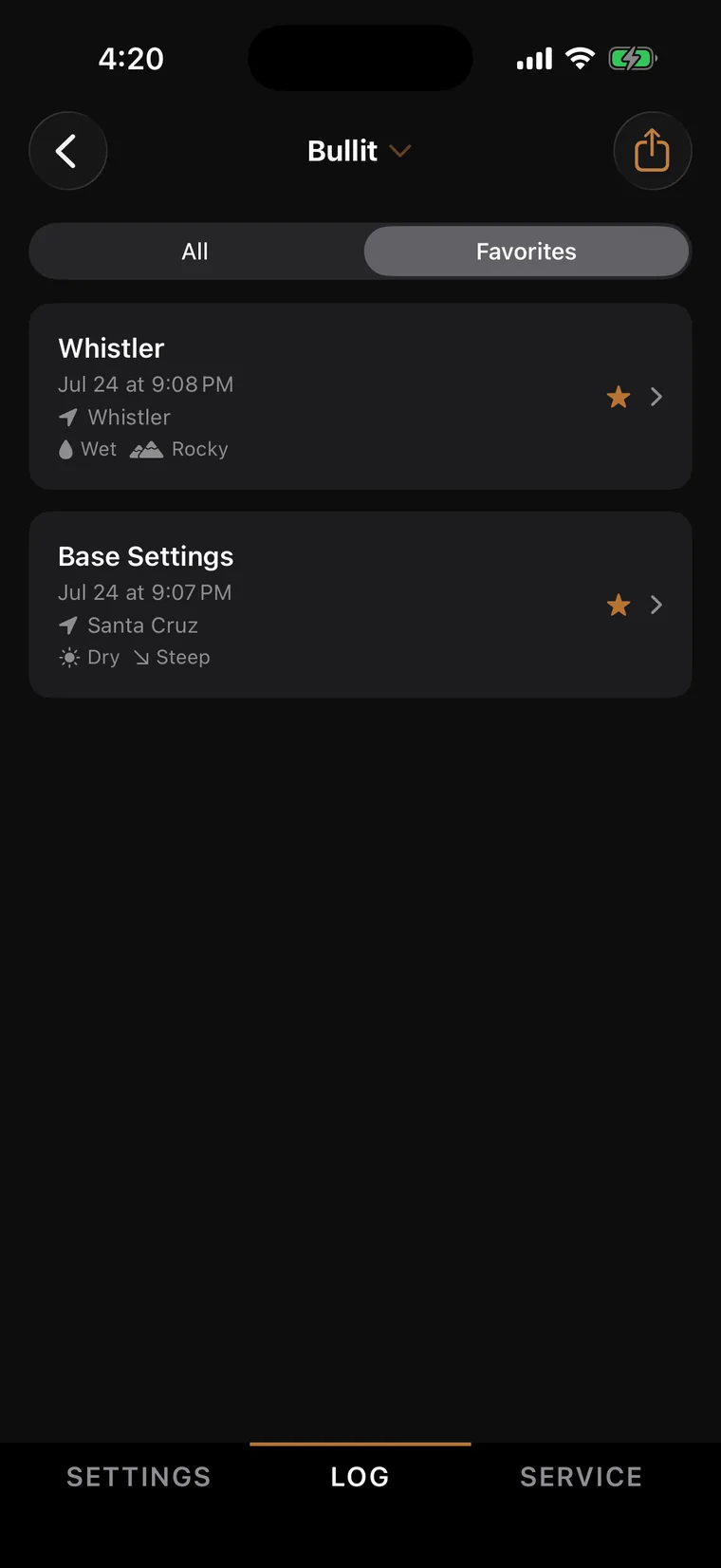
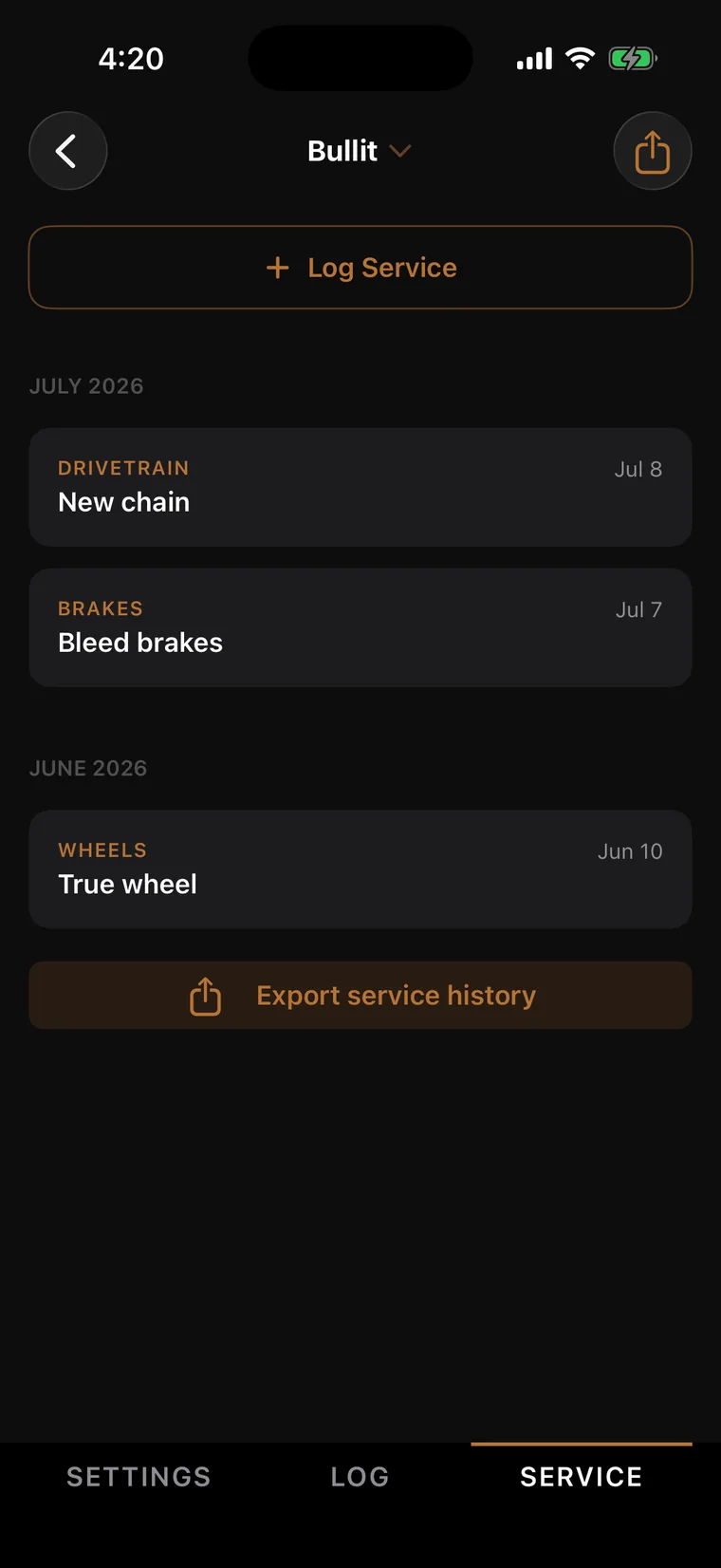
Name setups by trail or conditions, star your favorites, and switch between them in seconds. Whistler on Saturday, home trails on Sunday.
Tune Pro is coming soon to the App Store, one bike free when it lands.
Get early access